1.注册腾讯位置服务开放平台
点我
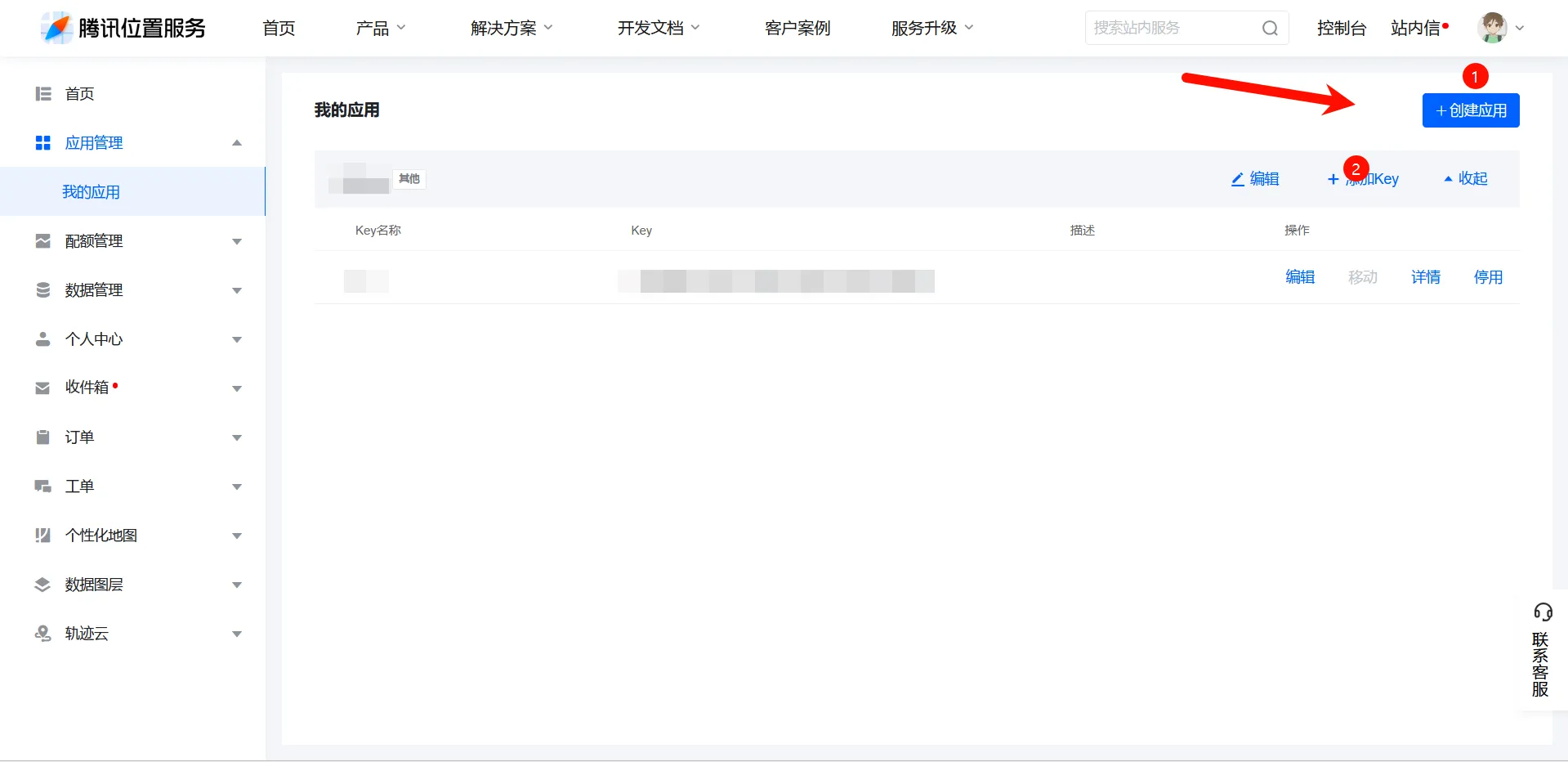
2. 注册应用并获取密钥
在腾讯位置服务开放平台完成注册后:
- 创建新应用并为其命名(例如:IP 定位服务)。
- 获取应用的 Key,此密钥将在后续代码中用于 API 请求验证。
3.安装nodejs
在ssh终端执行以下命令
#debian系
sudo apt update
sudo apt install nodejs
sudo apt install npm
#centos
sudo yum install epel-release
sudo yum install nodejs
4.安装依赖并部署
在服务器中,安装必要的依赖库:
npm install express
npm install axios
接下来,新建一个 app.js 文件,输入以下代码:
# app.js
const express = require("express");
const axios = require("axios");
const app = express();

// API密钥
const API_KEY = "此处替换为刚申请的密钥";

app.get("/", (req, res) => {
  const clientIp = req.headers["x-forwarded-for"];
  const ip = clientIp.split(",")[0].trim();
  const requestedIp = req.query.ip || ip;
  const url = `https://apis.map.qq.com/ws/location/v1/ip?ip=${requestedIp}&key=${API_KEY}`;
  axios
    .get(url)
    .then((response) => {
      res.json(response.data);
    })
    .catch((error) => {
      res
        .status(500)
        .json({ error: "An error occurred while fetching the data" });
    });
});
//监听端口
const port = 3002;
app.listen(port, () => {
  console.log(`Server running on port ${port}`);
});
启动服务:
node app.js启动后,控制台会显示:
Server running on port 3002访问 <服务器 IP>:3002,确保服务正常运行。如果启动失败,检查 app.js 文件和密钥配置。
配置进程守护
安装pm2
npm install pm2@latest -g通过pm2启动文件
为了确保服务在服务器重启后自动运行,可以使用 PM2 进行进程管理:
pm2 start app.js --name ip-location-service5. 配置反向代理(以宝塔面板为例)
为了通过域名访问服务,可以配置反向代理:
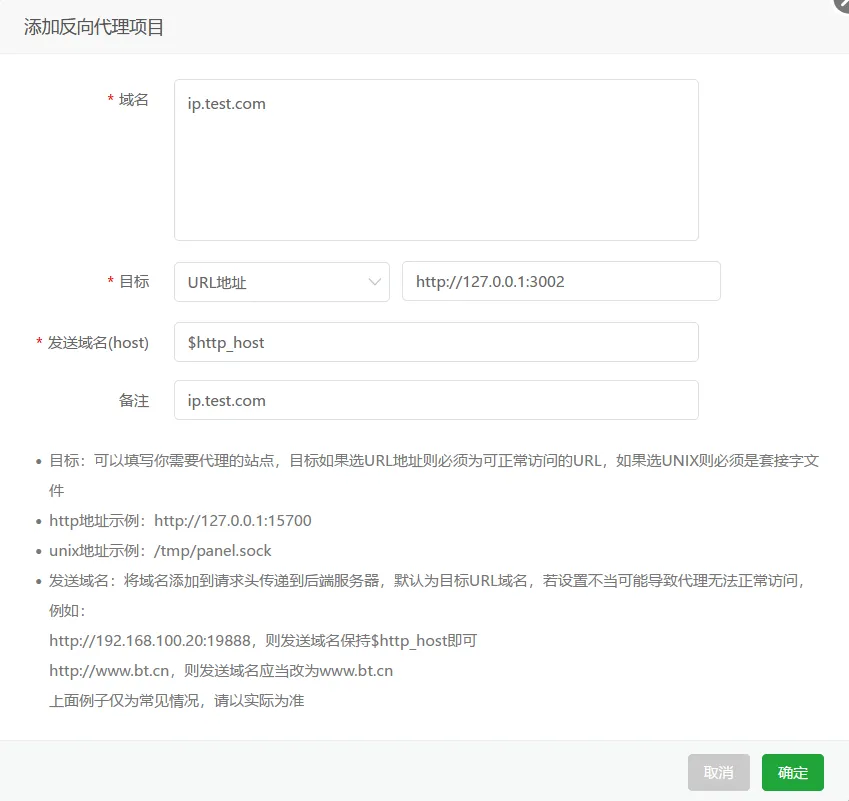
- 进入宝塔面板,点击 网站 -> 反向代理 -> 添加反代。
- 设置以下参数:
- 域名:填写域名(如
example.com)。 - 目标 URL:填写
http://127.0.0.1:3002(3002 是应用监听的端口)。
- 域名:填写域名(如